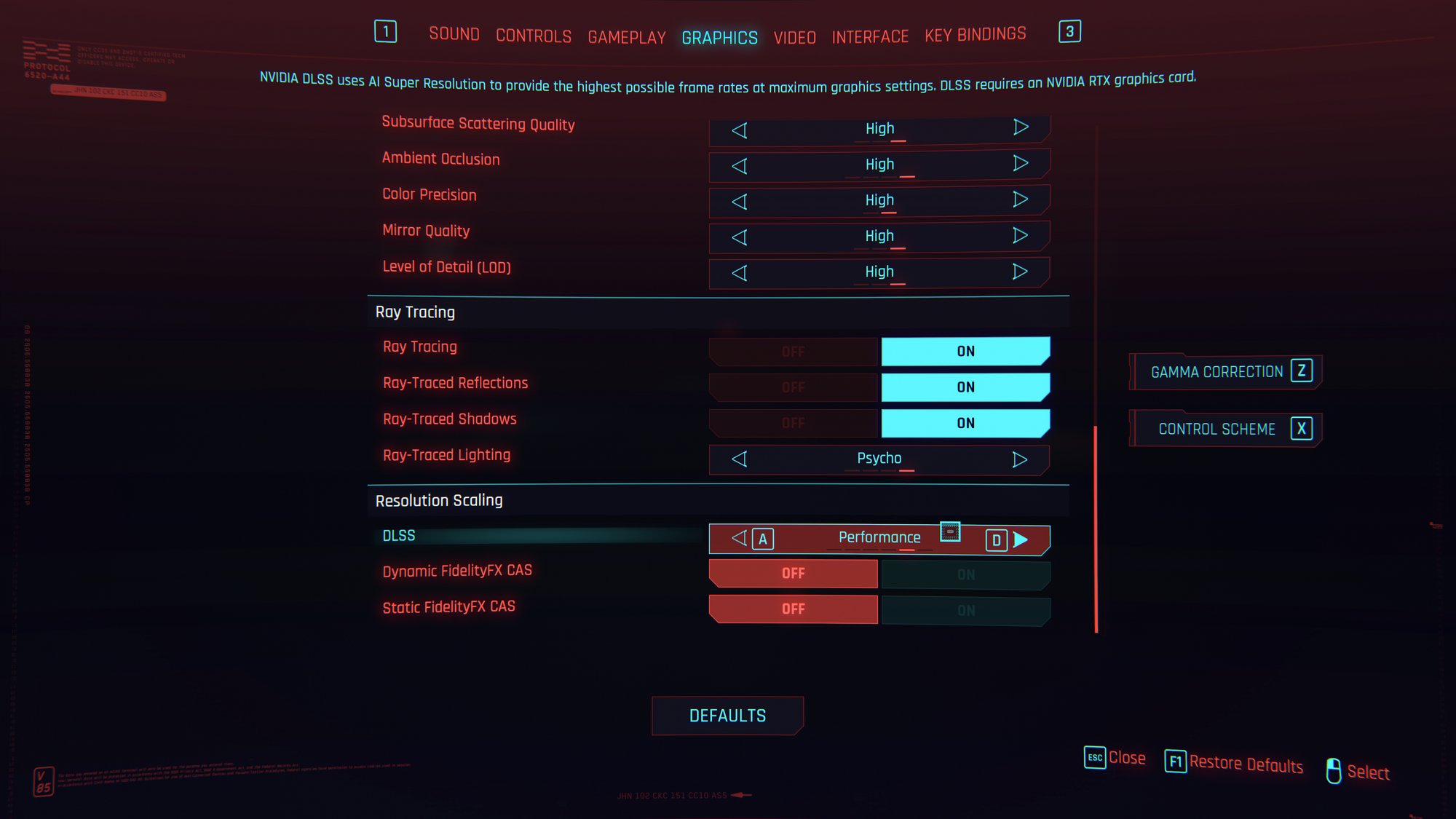
Fix DLSS not available in Cyberpunk 2077 v1.03 (Linux)

I got an urge to play the launch version of Cyberpunk 2077.
Linux is fantastic when you want to play older (or many different) versions of a game, as they can all run in their own Wine prefixes (which are basically fake Windows installs), so they don't conflict with each other.
(On Windows, if you install the current version of Cyberpunk on Steam, and an older one on GOG, you will get trouble because they will use the same save files (because they're in the same Documents folder on the same Windows install))
Anyway, I installed the oldest GOG version of the game I could find, v1.03, and yep, it worked great!
Except, DLSS was greyed out.
Ray Tracing was available, but DLSS was greyed out.
Sure, I could use FidelityFX CAS, but that looked like shit, and reminded me of when I had a 1080 TI when this game launched. It's 6 years later and I have a 5090 now, I should expect better!
Well, I found a solution and it's quite simple: just grab a nvngx_dlss.dll from a newer game. I used Forza Horizon 6, but I'm guessing any newish game might work?
Just plop that into your game folder (replacing the old one) and there you go. No need for fancy launch options or anything.
Enjoy Linux gaming!